Mobile Game GUI Pack 06: Elevate Your Game's Interface
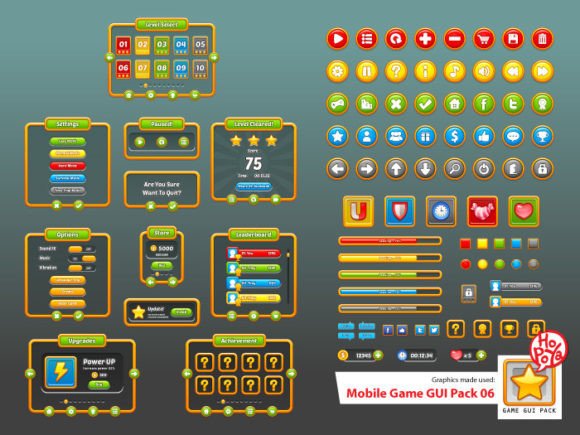
Imagine launching your 2D mobile game with a polished, professional interface that instantly captivates players. The right graphical user interface (GUI) can make all the difference, and the Mobile Game GUI Pack 06 is a comprehensive design asset built to transform your project's visual appeal. This pack of graphical user interface elements is specifically crafted for developers and designers looking to create a cohesive and engaging 2D mobile game experience without starting from scratch.
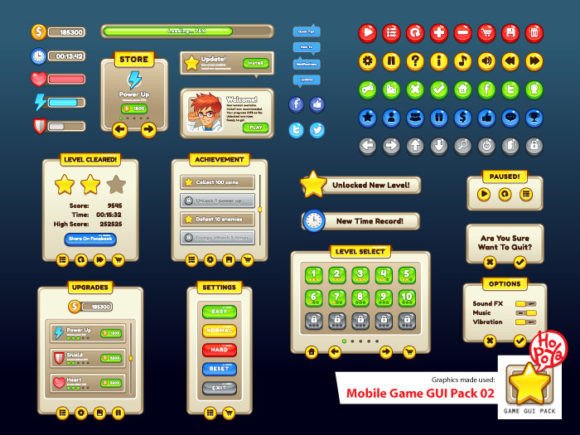
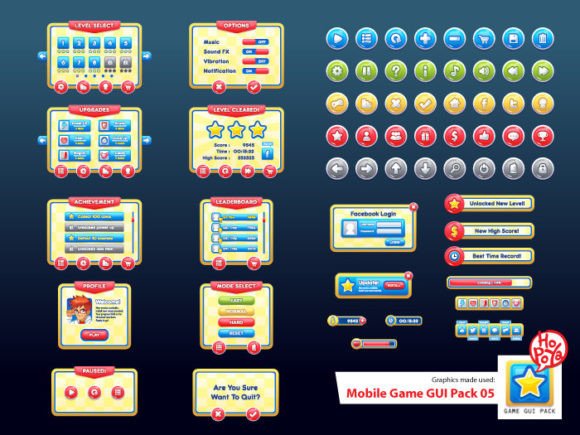
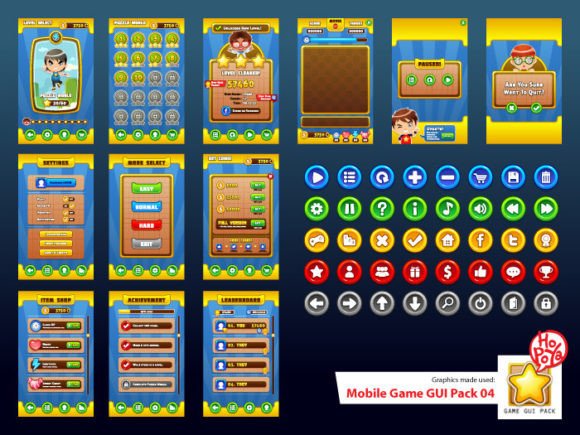
This premium design asset includes over 40 customizable buttons in five different color variations, along with versatile windows and other essential game elements. Every component is provided in multiple formats—vector AI, EPS10, and transparent PNG—ensuring seamless integration into your preferred game engine or design software. The inclusion of the PoetsenOne font adds a friendly, approachable character to your text elements, perfect for menus, notifications, and in-game prompts.
Creative Flexibility for Every Project
What makes this GUI pack stand out is its remarkable adaptability. The vector-based files allow you to scale every element to any size without losing quality, which is crucial for supporting various screen resolutions. Whether you're designing a casual puzzle game, an educational app, or an adventure title, the customizable colors and clean design provide a solid foundation that can be tailored to match your game's unique brand identity and mood.
Consider these practical applications for the assets included:
- Logo and Branding: Use the bold, clear typeface and custom buttons to create a recognizable brand mark for your game.
- Social Media Graphics: Design eye-catching promotional posts and app store screenshots with consistent visual elements.
- In-Game UI: Implement menus, settings screens, health bars, and dialogue boxes that look professional and function smoothly.
- Packaging and Merchandise: The high-resolution vectors are perfect for creating physical goods like posters or stickers.
Tips for Effective Implementation
To get the most out of a resource like this, start by defining your game's visual style. The five-button color options offer a great starting point for establishing a primary and secondary color palette. Test different combinations to see what feels most energetic, calming, or mysterious for your specific genre. The PoetsenOne font is excellent for display text, but for longer readability, consider pairing it with a simple sans-serif font for body text—a common practice in modern typography that ensures clarity.
Always review the license to ensure it covers your intended use, especially for commercial projects. The value of a well-designed GUI pack lies not just in its aesthetic appeal but in its ability to streamline your workflow, allowing you to focus on gameplay and user experience. A cohesive interface built with these assets can significantly improve visual consistency, making your game feel more polished and professionally developed from the first tap.
Choosing the right design assets is an investment in your project's success. A resource like the Mobile Game GUI Pack 06 provides the building blocks for a visually compelling game interface, helping you achieve a level of polish that resonates with players and stands out in a crowded marketplace.