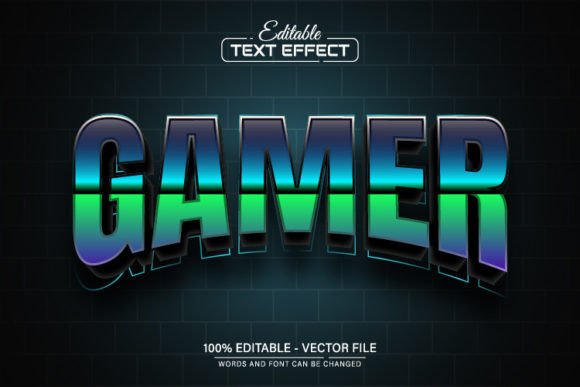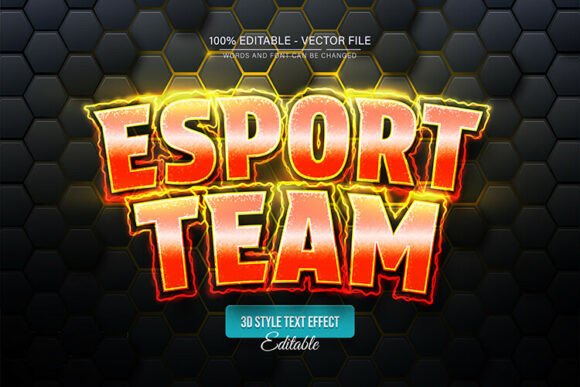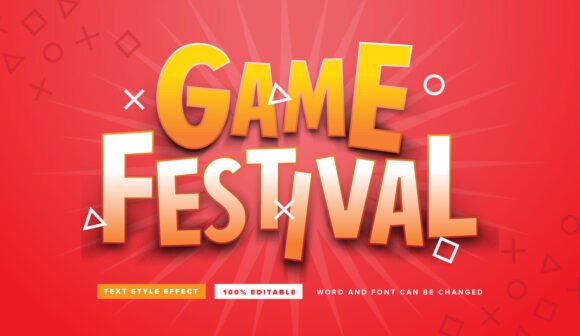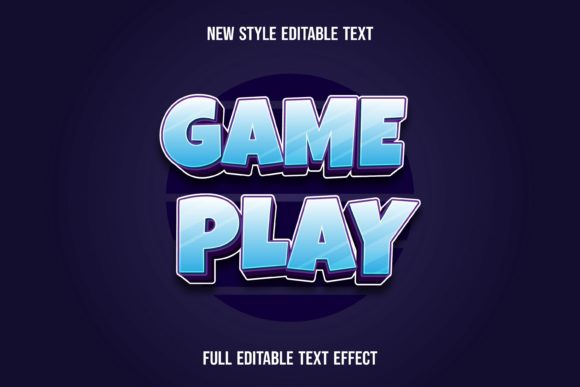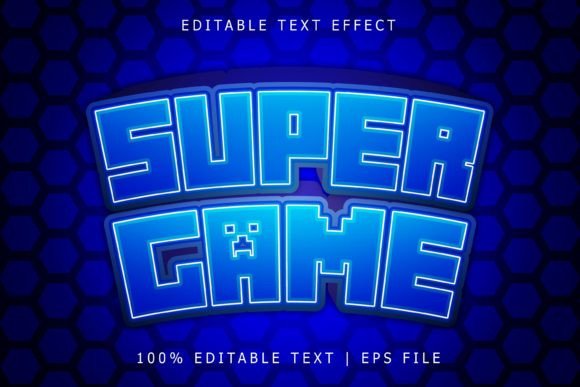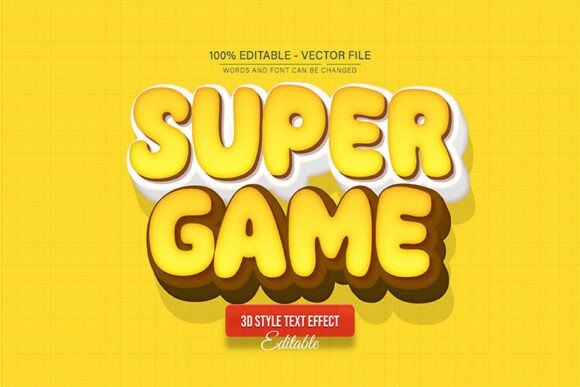
Super Game 3D Text Effect Editable: Elevate Your Visuals
Instantly grab attention and inject a powerful, dimensional quality into your designs with the Super Game 3D Text Effect Editable. This dynamic vector asset transforms standard text into bold, eye-catching lettering that pops off the page, making it an invaluable tool for projects that demand a strong visual impact.
This is not a static image; it's a fully editable vector design built for complete creative control. Because it's a vector, you can enlarge or reduce the size to any dimension you want within Adobe Illustrator, and the quality has never decreased. Every edge remains perfectly crisp, whether you're using it for a small social media icon or a massive print banner.
Unleash Your Design Potential
The true value of this asset lies in its flexibility. It’s perfect for a wide range of creative projects where you need text to be more than just words. Consider using it for:
- Logo & Brand Identity: Create a memorable logo for a gaming channel, tech startup, or entertainment brand.
- Poster & Event Design: Design striking posters for tournaments, launches, or promotional events.
- Packaging & Merchandise: Make product packaging, t-shirts, and stickers stand out on the shelf or online.
- Social Media & Web Graphics: Craft scroll-stopping thumbnails, banners, and promotional visuals.
The 3D text effect adds immediate depth and a modern, polished feel, helping your work look more professional and engaging without hours of manual rendering.
Designed for Ease and Flexibility
You don't need to be a 3D modeling expert to use this effect. The design is created with user-friendliness in mind, ensuring a smooth editing process. The download content includes everything you need: both EPS and JPG files, along with information on the free fonts used.
Changing the text is straightforward. Simply open the file in Adobe Illustrator CS or higher, select the Type Tool by pressing “T” on your keyboard, click on the text, and type your own message. The 3D effect will automatically apply to your new text. Furthermore, you have unlimited color variations at your fingertips. Edit the color scheme directly in Illustrator to match any brand palette or project mood.
Tips for Choosing and Using This Font Effect
To get the most out of the Super Game 3D Text Effect Editable, consider these practical tips:
- Check Readability: While bold and dramatic, always test your final text at the intended size to ensure it remains legible, especially for shorter words or logos.
- Match the Mood: This effect is energetic and modern. It pairs exceptionally well with clean, sans-serif fonts for supporting text and is ideal for projects related to gaming, technology, sports, and entertainment.
- Test Font Pairings: Use this as your headline or display font. Pair it with a simple, readable serif or sans-serif font for body copy to create a balanced and professional typographic hierarchy.
- Review the License: As with any design asset, ensure the license fits your intended use, whether for personal projects, client work, or commercial merchandise.
Choosing the right typeface is a critical step in building a cohesive and professional design. A well-executed 3D text effect like this one does more than spell out words—it communicates energy, innovation, and quality. By integrating a versatile and editable asset into your toolkit, you streamline your workflow and consistently produce visuals that capture attention and reinforce your message.