Mobile Game GUI Pack 02: Elevate Your Game's Interface
Every great mobile game deserves an interface that feels as polished and engaging as the gameplay itself. If you're searching for a design asset that can instantly elevate your project's visual appeal and user experience, the Mobile Game GUI Pack 02 is a comprehensive resource built for exactly that purpose. This pack of graphical user interface elements is designed to help developers and designers create beautiful, functional 2D mobile game interfaces with remarkable efficiency.
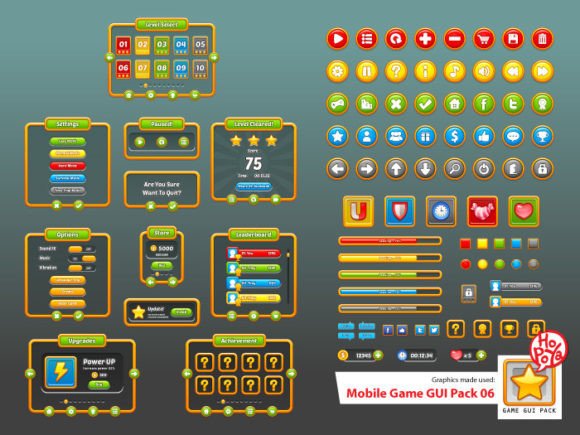
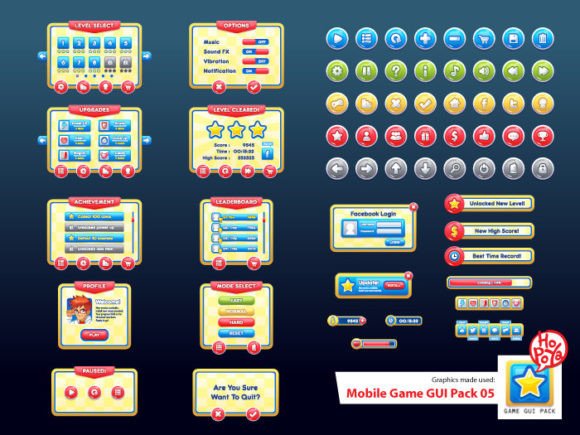
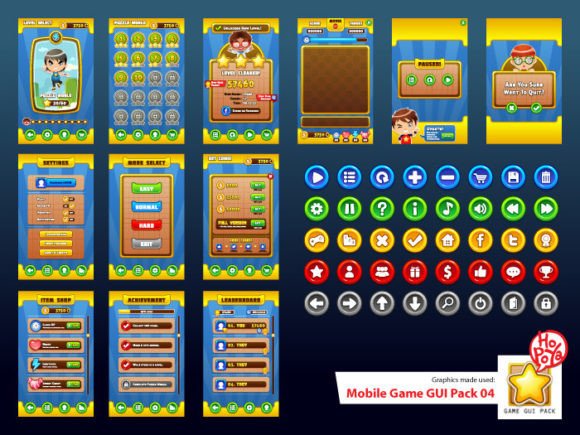
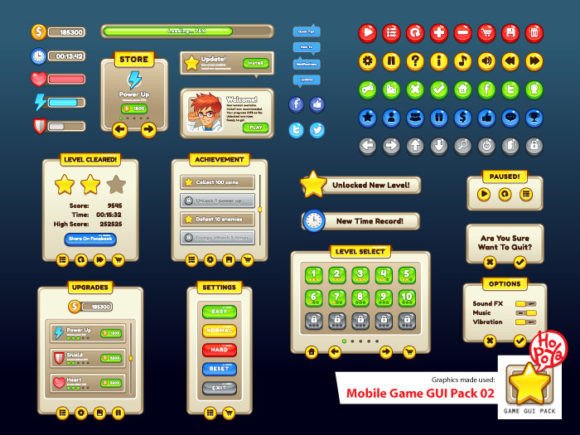
This isn't just a random collection of buttons. It's a carefully curated system of design assets, featuring over 40+ customizable buttons available in five distinct color schemes. This variety allows you to maintain visual consistency while easily differentiating between primary actions, secondary options, and special features within your game. The included customizable window and game elements extend this flexibility, letting you tailor everything from pop-up dialogs to inventory panels to match your game's unique art style and color palette.
Designed for Flexibility and Professional Quality
A key strength of this GUI pack lies in its file formats. The inclusion of vector AI and EPS10 files means every element is fully scalable without any loss of quality. Whether you're designing for a small smartphone screen or a high-resolution tablet display, your interface will remain crisp and clean. For projects where vector editing isn't necessary, the transparent PNG files offer plug-and-play convenience, allowing for quick integration into game engines and design software.
The choice of typography is equally thoughtful. The pack includes the playful yet highly legible Fredoka One, perfect for friendly, approachable game titles and button labels. It pairs beautifully with Tekton Pro, a versatile sans-serif that offers excellent readability for longer text strings like instructions or item descriptions. This smart font pairing provides a ready-made foundation for your game's brand identity, ensuring your text elements look cohesive and professional from the start.
Creative Applications Beyond the Obvious
While built for games, the components of this design asset pack have versatile uses. Consider applying the customizable buttons and windows for:
- App Prototyping: Quickly mock up functional interfaces for mobile apps or interactive presentations.
- Social Media Graphics: Create engaging, game-themed visuals for announcements, tutorials, or fan art.
- Merchandise Design: Use the vector elements to craft unique designs for t-shirts, stickers, or posters.
- Web Design Elements: Adapt the buttons and UI components for a gaming blog, portfolio, or community site.
Tips for Choosing and Using Your GUI Pack
To get the most out of an asset like this, keep a few practical tips in mind:
- Match the Mood: Review the five color options and choose the one that best aligns with your game's atmosphere—whether it's vibrant and energetic or calm and strategic.
- Test Readability: Always check how your chosen Fredoka One and Tekton Pro text looks against different backgrounds and at various sizes.
- Customize Thoughtfully: Use the vector files to modify shapes, adjust gradients, or add subtle effects to make the elements feel uniquely yours.
- Check the License: As with any commercial font or asset, ensure the license covers your intended use, especially for products you plan to sell.
Investing in a high-quality GUI pack is an investment in your project's first impression. It streamlines your workflow, ensures visual harmony, and provides a professional presentation that can significantly enhance user engagement. The Mobile Game GUI Pack 02 offers a robust, flexible toolkit that empowers you to build beautiful interfaces without starting from scratch, letting you focus more on creating an amazing game experience.