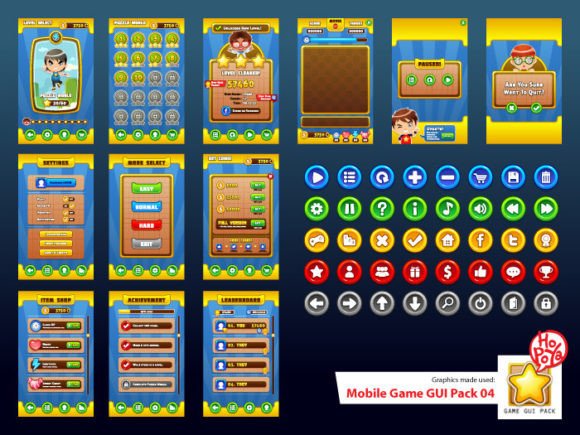
Mobile Game GUI Pack 04: A Complete Asset for Game Developers
What’s Inside the Pack?
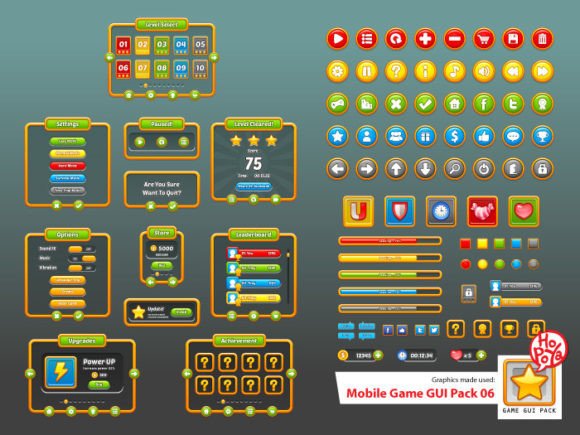
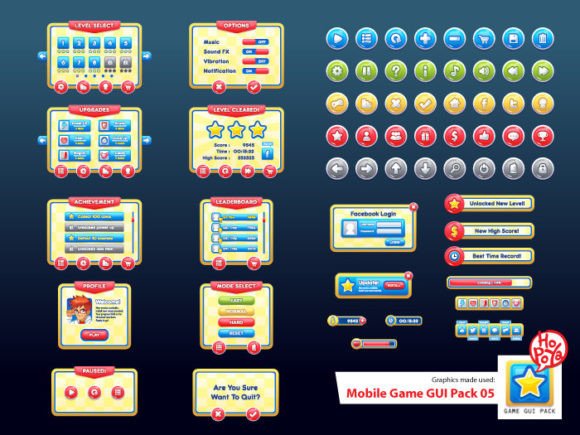
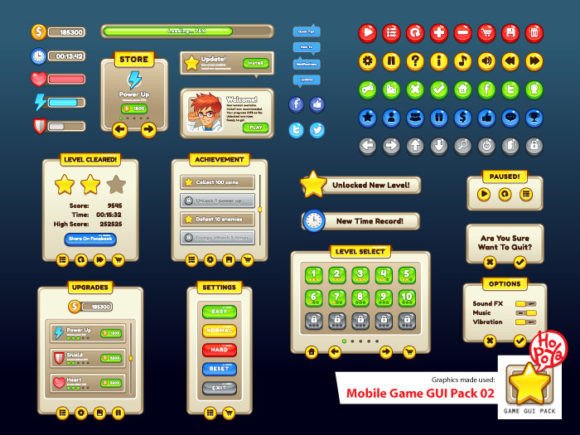
Beyond buttons, the pack includes customizable windows, panels, and other essential game elements. This allows you to maintain a consistent visual language throughout your entire project, from the title screen to the settings menu. The files are provided in multiple formats to fit into any workflow:
- Vector AI and EPS10 files: These are perfect for designers who need to scale elements without losing quality, making adjustments to shapes and colors simple in Adobe Illustrator.
- Transparent PNG files: Ready for immediate use in game engines like Unity or Godot, these files integrate seamlessly into your project.
Typography That Complements Your Design
A well-chosen typeface is key to great design. This GUI pack strategically utilizes two fonts to enhance readability and style. Molot is a bold, impactful display font that works wonderfully for headlines and titles, grabbing player attention instantly. For body text and informational elements, Aller Display offers excellent legibility and a clean, modern aesthetic. This thoughtful pairing ensures your interface is not only beautiful but also functional and easy to navigate.
Practical Applications for Developers and Designers
While built for mobile games, the assets in this pack have broad applications. Consider using these design elements for:
- Rapid Prototyping: Quickly mock up a game interface to test user flow and layout before final art is produced.
- UI/UX Projects: The clean, customizable elements are ideal for designing dashboards, app interfaces, or interactive presentations.
- Game Jams: When time is limited, having a pre-made GUI pack allows you to focus on core mechanics and gameplay.
- Educational Tools: Create engaging educational apps or interactive storybooks with a friendly, approachable interface.
Tips for Choosing and Using the Pack
To get the most out of Mobile Game GUI Pack 04, consider these practical tips:
- Test Readability: Always check how text appears against different background elements within your game to ensure clarity.
- Match the Mood: Use the provided color variations to align the interface with your game’s overall theme and atmosphere.
- Explore Font Pairings: While the included fonts are excellent, feel free to experiment with other complementary typefaces from your library to create a unique typographic hierarchy.
- Check the License: As with any commercial font or asset, review the licensing agreement to confirm it fits your project’s scope, especially if you plan to distribute or sell your final product.