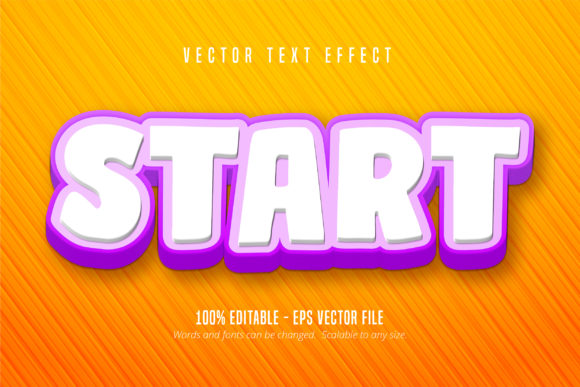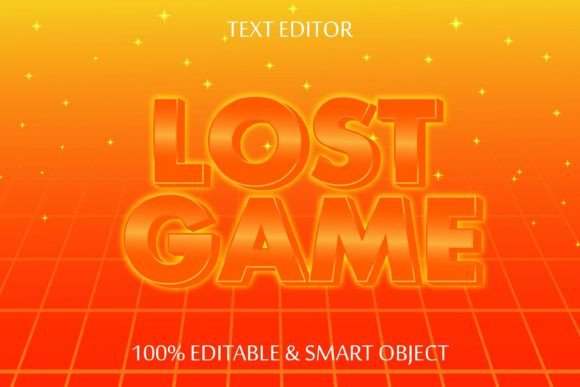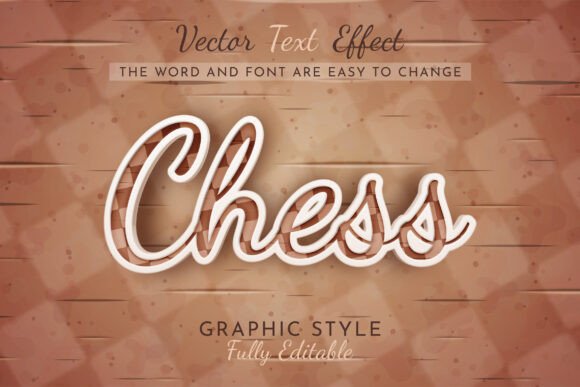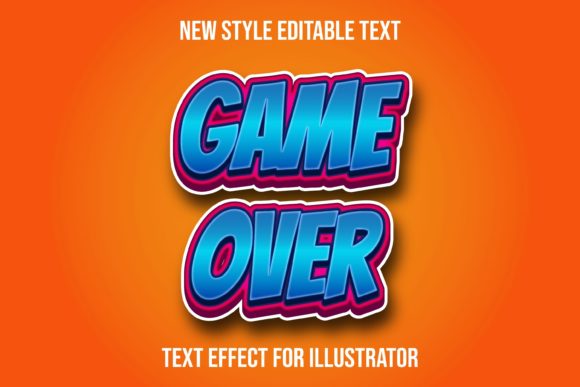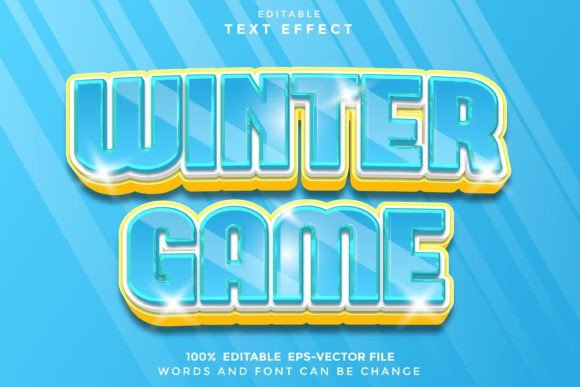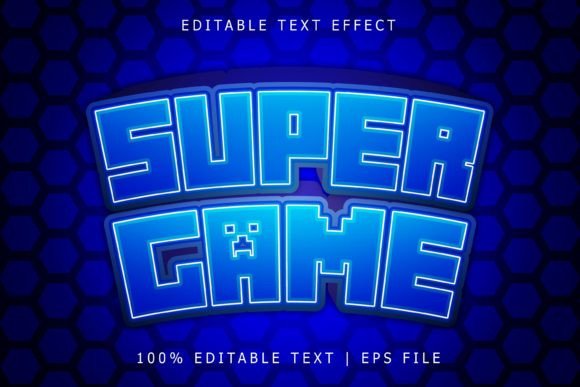
Super Game Editable Text Effect for Adobe Illustrator
Imagine transforming any standard font or shape into a dynamic, layered visual statement with just a few clicks. The Super Game Editable Text Effect is a powerful design asset that brings professional typographic flair to your Adobe Illustrator projects, making it an essential tool for creators seeking polished, eye-catching results.
Unlike a traditional typeface, this is a fully editable font effect designed specifically for Adobe Illustrator. It works seamlessly with any font or vector shape you choose, applying a sophisticated, multi-dimensional treatment that instantly elevates your design. The effect is delivered as an EPS file, ensuring 100% editability and scalability to any size without loss of quality, which is crucial for projects ranging from small social media graphics to large-format posters.
Creative Applications and Practical Uses
The versatility of this text effect makes it suitable for a wide array of design scenarios. It’s particularly effective for projects where typography needs to stand out and convey energy or sophistication. Consider using it for:
- Logo Design and Brand Identity: Create memorable brand marks and wordmarks that pop off the page, adding depth and character to a brand's visual language.
- Poster and Editorial Design: Develop striking headlines for magazines, event posters, or book covers that command attention and set the mood.
- Packaging and Merchandise: Apply the effect to product labels, apparel graphics, or merchandise designs to give them a premium, custom feel.
- Digital and Web Design: Use it for hero section text, call-to-action buttons, or social media graphics to increase engagement and visual consistency across platforms.
Tips for Selecting and Using the Effect
To get the most out of this design asset, consider a few practical tips. First, always test the effect with your chosen typeface. While it works with any font, pairing it with a strong sans serif or bold serif can amplify its impact. Second, think about the mood of your project. The effect's layered style can evoke a modern, playful, or high-tech vibe, so align it with your overall aesthetic.
Readability is key, especially for body text or smaller applications. Use the effect primarily for display purposes—headlines, logos, or titles—where its detailed treatment can be fully appreciated. Since it’s fully editable in Illustrator, you have the flexibility to adjust colors, shadows, and layers to match your project's exact color palette and style guide.
Finally, always verify the license for your intended use, especially for commercial projects. A well-chosen creative font or text effect is more than just decoration; it’s a fundamental component of professional design that enhances brand recognition, ensures visual consistency, and communicates quality to your audience. Investing in a versatile asset like this can streamline your workflow and elevate the final presentation of countless creative endeavors.