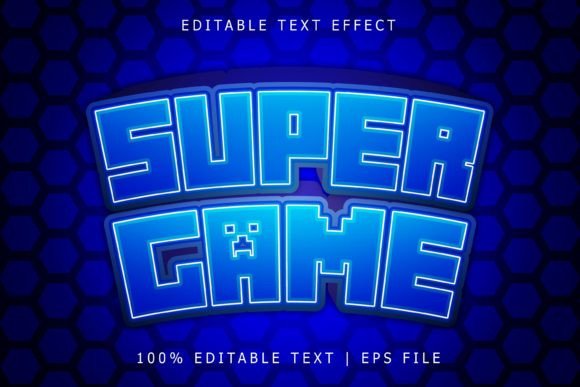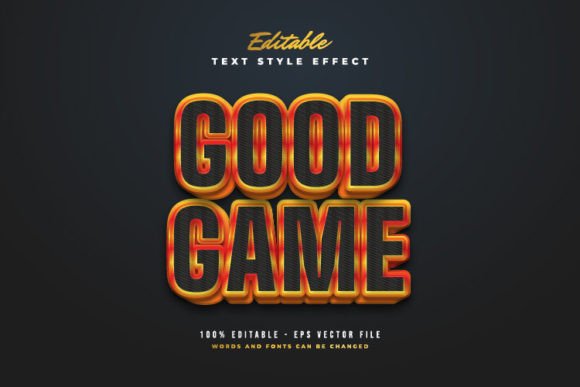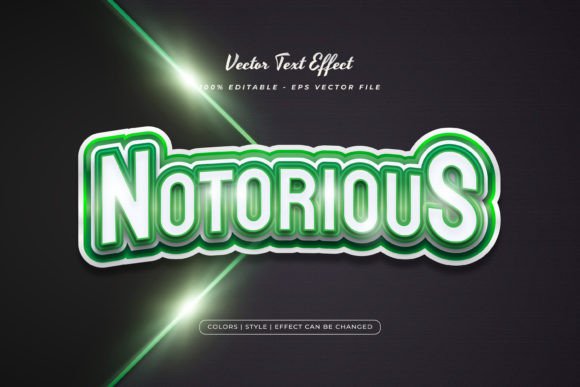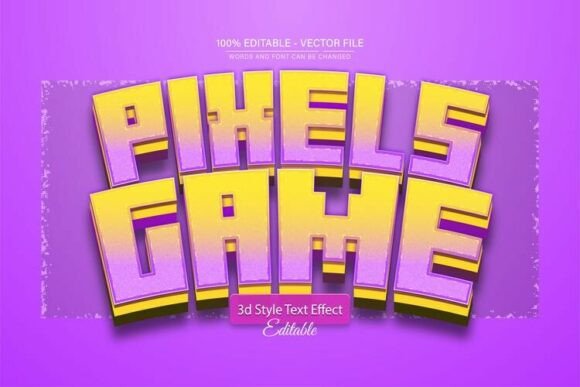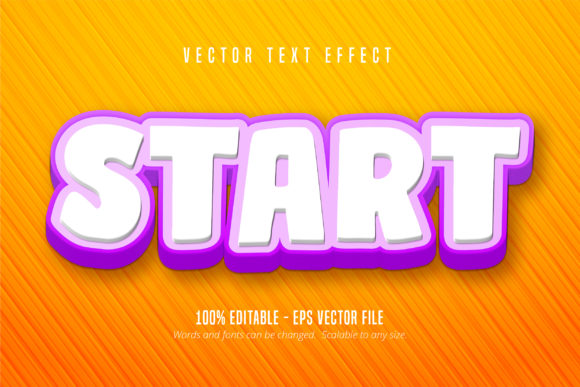
Start Text: Game Style Text Effect for Adobe Illustrator
Imagine giving your typography the explosive energy of a video game title screen. That’s exactly what the Start Text, Game Style Text Effect delivers—a dynamic, editable text treatment designed for Adobe Illustrator. This isn’t just another font; it’s a creative asset that transforms ordinary lettering into bold, eye-catching display text with a playful, competitive edge. Perfect for designers looking to inject excitement into their projects, it offers the visual punch of premium display fonts with the flexibility of full editability.
Whether you’re crafting a brand identity, designing a poster, or creating social media graphics, this game-style effect adds instant visual interest. Its scalable vector format ensures your text looks sharp at any size, from small packaging labels to large-format prints. The effect is built as an Adobe Illustrator EPS CS6 file, making it easy to integrate into your existing workflow if you use Illustrator. You can change the words, adjust colors, and tweak details to match your vision—no advanced skills required.
Creative Uses for Game Style Typography
This text effect shines in projects where energy and personality matter. Consider using it for:
- Logo Design – Create memorable brand marks for gaming studios, sports teams, or tech startups.
- Poster and Event Design – Design promotional materials for tournaments, launches, or themed parties.
- Social Media Graphics – Make your posts stand out with bold, animated-looking titles.
- Packaging and Merchandise – Add a fun, modern twist to product labels or apparel graphics.
- Web and App Interfaces – Use for call-to-action buttons, headers, or interactive elements.
The effect pairs well with both sans serif and serif fonts for body text, allowing you to maintain readability while keeping the focus on your headline. Think of it as a versatile design asset that bridges the gap between a display font and a custom text treatment.
Tips for Choosing and Using Text Effects
When incorporating a styled text effect like this, keep a few practical points in mind. Always test readability at different sizes, especially for digital and print applications. Consider the mood of your project—this game-style effect works best in contexts that call for excitement, innovation, or playfulness. Review the available customization options; since this effect is fully editable, you can adapt it to various color schemes and layouts.
Also, ensure the license aligns with your intended use, whether for personal or commercial projects. A well-chosen typeface or text effect can significantly enhance visual consistency and brand recognition, making your designs look more polished and professional. It’s not just about aesthetics; it’s about communicating the right message effectively.
Ultimately, the Start Text, Game Style Text Effect is more than a novelty—it’s a practical tool for designers who want to create impactful typography without starting from scratch. By leveraging its editable nature and scalable format, you can produce high-quality visuals that resonate with your audience and elevate your creative work.