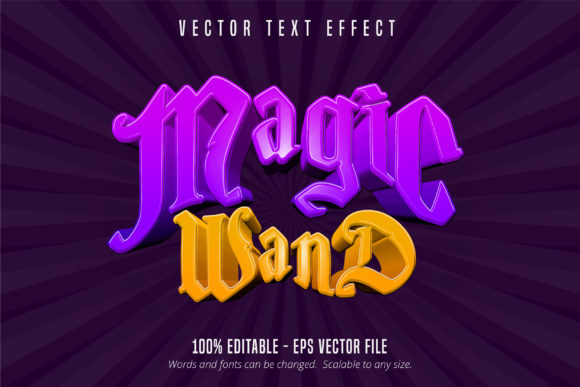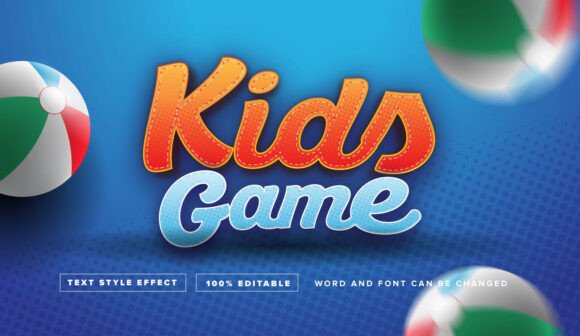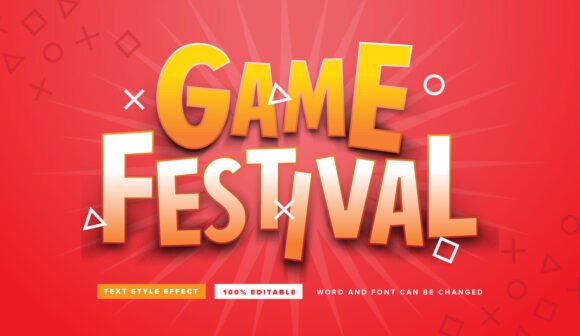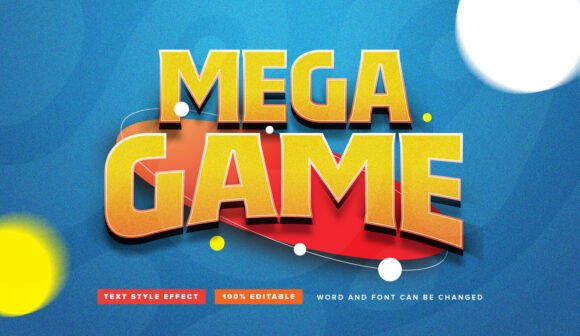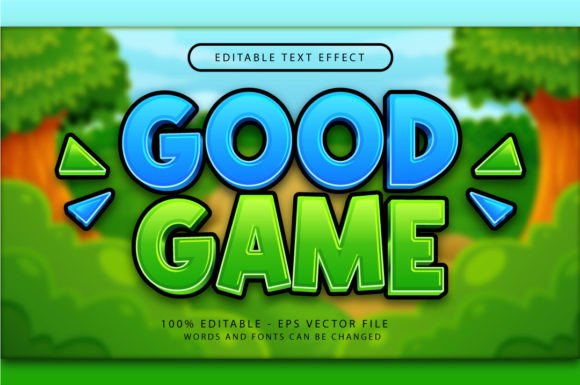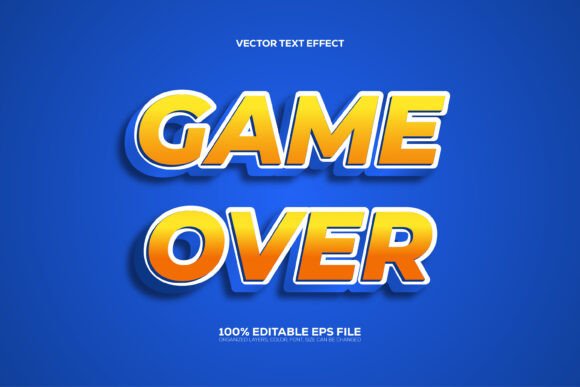
Editable Game Over 3D Style Text Effect
Instantly transport your audience into a high-impact arcade scene with the Editable Game Over 3D Style Text Effect. This dynamic design asset provides the bold, retro-futuristic typography seen in classic video game title screens, now fully customizable for your modern projects. It’s more than just a font; it’s a complete graphic style that delivers depth, shadow, and a powerful presence right out of the box.
This resource is specifically crafted for Adobe Illustrator users, functioning as a sophisticated Graphic Style. The process is remarkably simple: type your desired text or create a shape, then apply the style from the Graphic Styles menu. The effect instantly wraps your content in a professional 3D look, complete with beveled edges and dramatic shading that make your words leap off the canvas. It’s designed for creators who need a high-quality visual without spending hours manually building complex layer effects.
Why This 3D Text Effect Stands Out
The primary strength of this asset lies in its seamless editability and professional organization. Unlike a flattened image, every element is fully customizable. You can change the wording to anything you need, switch up the font to match your brand’s voice, and even adjust the colors since the file is set up in vibrant RGB. The layers are well-organized, meaning you can dive in and tweak the shadow intensity or highlight placement to perfectly suit your project’s mood.
This level of flexibility makes it an invaluable tool for a wide range of creative applications. Consider using the Editable Game Over 3D Style Text Effect for:
- Gaming & Entertainment Branding: Perfect for YouTube channel logos, Twitch overlays, or podcast cover art that needs an energetic, competitive vibe.
- Poster & Flyer Design: Create eye-catching headlines for event promotions, especially for esports tournaments, retro-themed parties, or tech launches.
- Social Media Graphics: Make your Instagram stories, Facebook ads, or promotional banners stand out in a crowded feed with bold, dimensional text.
- Merchandise & Apparel: Apply the effect to designs for t-shirts, mugs, or posters that target a gaming or pop-culture audience.
- Web Design Elements: Use it for hero section text or call-to-action buttons on websites related to gaming, tech, or digital entertainment.
Tips for Integrating This Style Into Your Workflow
To get the most out of this design asset, start by considering the overall composition of your piece. A bold, 3D style like this works best when it has room to breathe. Pair it with a clean, simple sans-serif font for body text to ensure readability and create a balanced hierarchy. The visual weight of the 3D effect should be the star of the show.
Always preview the effect on your chosen text before finalizing. Test different letter combinations and kerning to see how the shadows and highlights interact with specific characters. Because it’s an EPS file, it’s a vector-based asset, meaning you can scale it to any size—from a small icon to a massive billboard—without losing a single ounce of quality. This scalability is crucial for maintaining a professional standard across all your design assets.
Choosing the right typography is a fundamental step in building a strong visual identity. A well-executed text effect like this one doesn’t just convey a message; it establishes a tone and evokes an immediate emotional response. It helps unify your brand’s look, making your content instantly recognizable and memorable. For any project that calls for energy, nostalgia, and a powerful punch, this tool provides a direct path to a polished and impactful result.