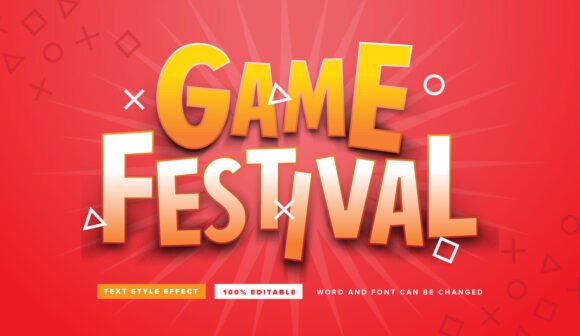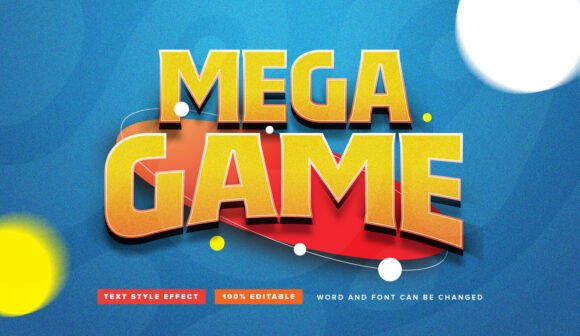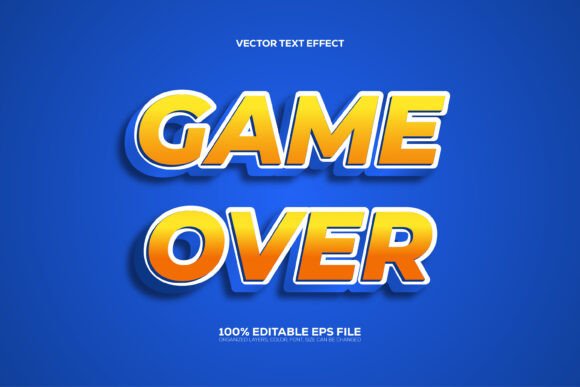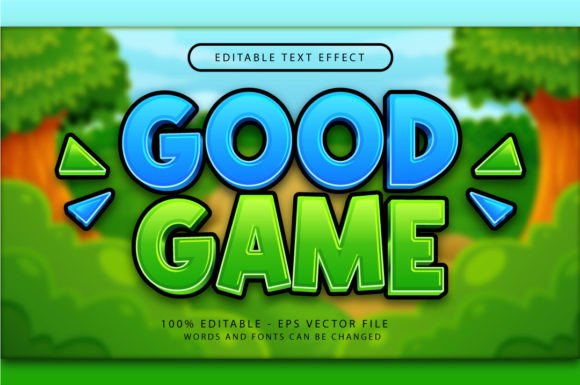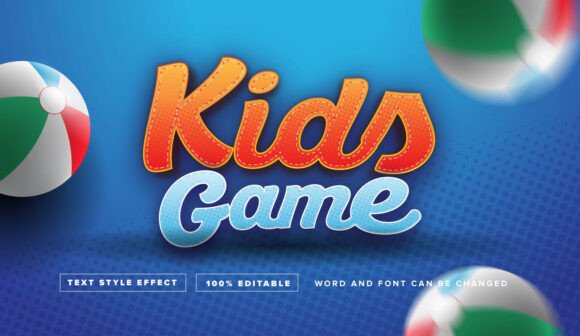
Dynamic Kids Game Text Effect for Adobe Illustrator
Imagine capturing the high-energy, vibrant feel of a video game title or a movie poster in just a few clicks. For designers working on projects aimed at a younger audience or those seeking a bold, playful aesthetic, finding the right visual treatment can make all the difference. This is where the Kids Game Text Effect Editable comes into play, offering a powerful and flexible tool for Adobe Illustrator users.
What Is This Text Effect?
It's important to clarify that this is not a traditional font. Instead, it is a sophisticated vector text effect designed specifically for Adobe Illustrator. Think of it as a ready-made style you can apply to any text, instantly transforming standard letters into a dynamic, dimensional graphic perfect for a winner league, trophy presentation, or any exciting theme. The effect is delivered in an Adobe Illustrator EPS file format, ensuring full compatibility and professional-grade quality.
Creative Applications and Use Cases
The true value of a design asset like this lies in its versatility. The editable nature of this text effect makes it a valuable addition to any designer's toolkit, suitable for a wide range of creative projects. It excels in contexts where impact and clarity are paramount.
Consider using this effect for:
- Poster and Banner Design: Create eye-catching titles for movie posters, event banners, or promotional materials that need to stand out.
- Branding and Logo Elements: Develop a unique logo or brand identity for products, channels, or events targeting a fun, energetic demographic.
- Merchandise and Packaging: Design compelling text for T-shirts, caps, stickers, or product packaging that needs a playful, modern typography style.
- Digital Content: Enhance social media graphics, YouTube thumbnails, or website headers to grab immediate attention.
- Invitations and Greeting Cards: Add a celebratory flair to birthday party invitations or achievement cards.
Benefits of an Editable Vector Format
Unlike a static image, this editable vector graphic offers unparalleled flexibility. Being 100% editable means you are not locked into a single design. You can easily change the font, adjust the text, modify colors, or scale the graphic to any size without losing quality—essential for both print and digital design assets.
The process is designed to be intuitive. As noted, it's very easy to edit. You simply click on the text effect section within the Illustrator file and change the text as you want. This streamlines the workflow, allowing you to focus on creativity rather than complex technical steps. It acts as a premium design asset that can elevate a project's visual consistency and professional presentation.
Tips for Choosing and Using This Effect
When integrating a new design element, a thoughtful approach ensures the best results. Here are a few practical considerations:
- Match the Mood: This effect has a specific, vibrant character. Ensure it aligns with the overall tone of your project, whether it's for a brand identity, editorial design, or social media campaign.
- Test Readability: While decorative, always check that your final text is legible at its intended size, especially for crucial information.
- Explore Font Pairings: If using this effect for a title, consider pairing it with a cleaner sans serif font or serif font for body text to create a balanced and readable layout.
- Review License Terms: Always verify that the license for any commercial font or effect covers your intended use, whether for personal projects or client work.
Choosing the right visual treatment is about more than just aesthetics; it's about communication. A well-crafted text effect like this one can instantly convey energy, excitement, and professionalism. It provides a shortcut to creating polished, engaging graphics that resonate with an audience, making it a worthy consideration for your next creative endeavor. By leveraging such focused design assets, you can enhance your brand's storytelling and make every project look more cohesive and intentionally designed.