Vintage Game Text Style: Your Next Creative Edge
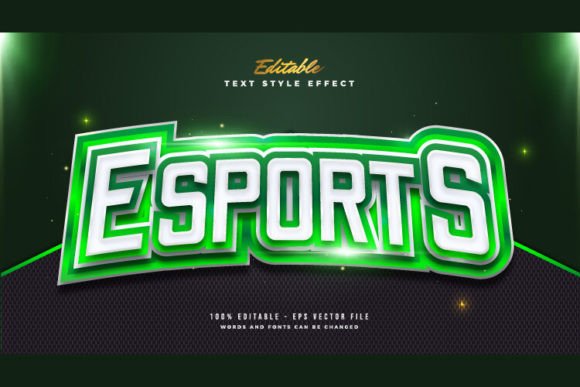
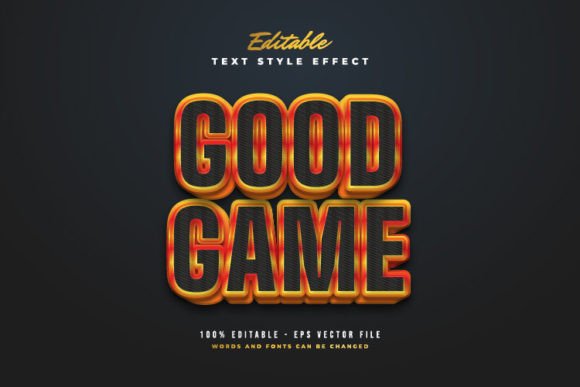
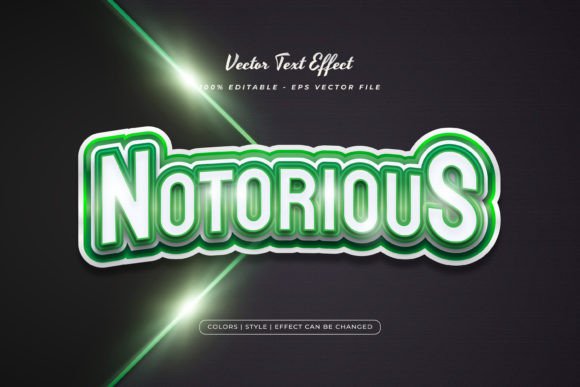
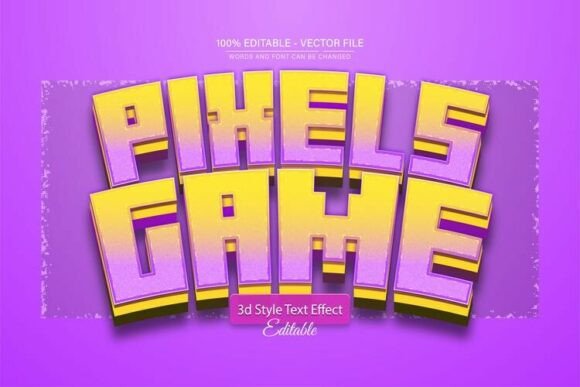
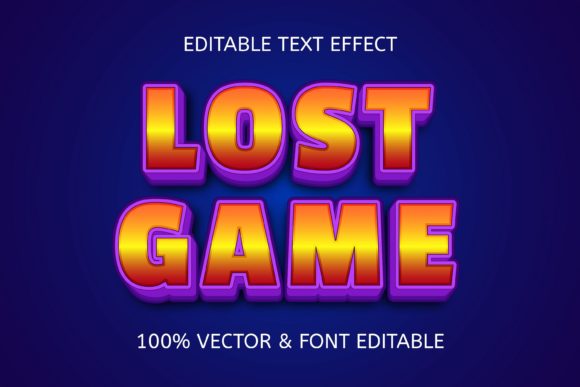
There’s a distinct charm in the pixelated glow and bold lettering of classic arcade games. This aesthetic, now available as a Vintage Game Text Style effect, brings that nostalgic power to modern design. It’s more than just a font; it’s a fully editable design asset that lets you inject retro gaming energy into any project with just a click.
This particular Adobe Illustrator text style effect is built for creative flexibility. It’s 100% editable, meaning you can change the words, fonts, size, and effect parameters to match your vision precisely. The package includes both EPS and JPG preview files, making it a versatile tool for various workflows. Think of it as a creative filter for your typography, transforming standard text into a standout visual element.
Where This Style Truly Shines
The applications for a vintage game aesthetic are surprisingly broad. It’s a fantastic choice for projects that need to evoke nostalgia, energy, or a playful, tech-inspired vibe. Consider using it for:
- Logo and Brand Identity: Perfect for gaming studios, retro-themed cafes, tech startups with a fun edge, or any brand wanting a memorable, pixel-perfect mark.
- Poster and Packaging Design: Create eye-catching event posters for tournaments, album art, or product packaging for snacks, energy drinks, or merchandise.
- Social Media and Web Graphics: Design scroll-stopping posts, YouTube thumbnails, or website banners that stand out in a crowded digital space.
- Editorial and Invitation Design: Add a unique flair to magazine layouts, book covers, or party invitations for a gamer-themed event.
Choosing and Using Your Font Effect Wisely
While this style is incredibly versatile, a few best practices will help you get the most out of it. First, always prioritize readability. The bold, blocky nature of a game text effect is great for headlines, but may not suit long paragraphs. Test your design at different sizes to ensure clarity.
Next, consider the mood. This style pairs well with other retro elements, neon color palettes, and dark backgrounds to enhance its glow effect. For font pairing, try combining it with a clean, modern sans-serif or a simple serif typeface for body text to create a balanced and professional hierarchy.
Finally, review the license to ensure it covers your intended use, whether for personal projects or commercial design assets. The ability to use any font you like with this effect is a major advantage, allowing you to match it perfectly to your existing brand identity or project tone.
Investing in a well-crafted text style effect like this one is an investment in your project's visual impact. It provides a shortcut to polished, professional-looking typography that captures attention and communicates a specific aesthetic instantly. Whether you're building a brand, promoting an event, or creating digital content, this tool helps you achieve that cool, curated look with ease, making your designs feel more complete and intentional.