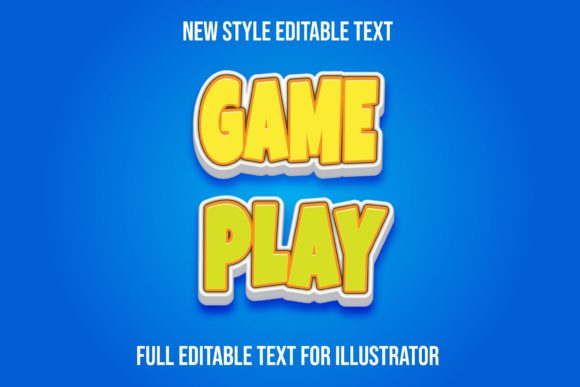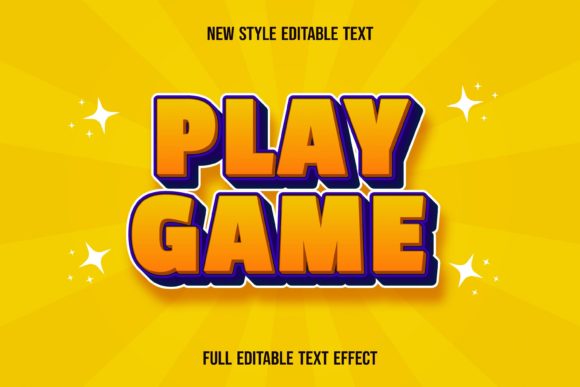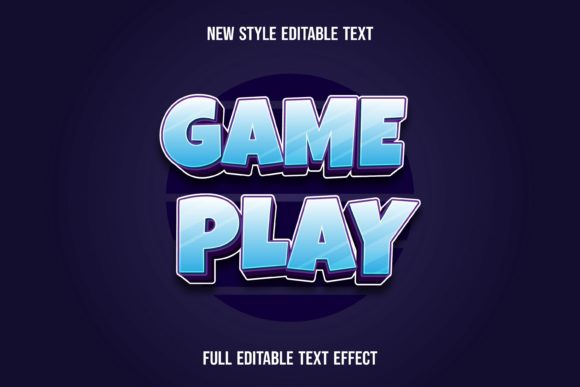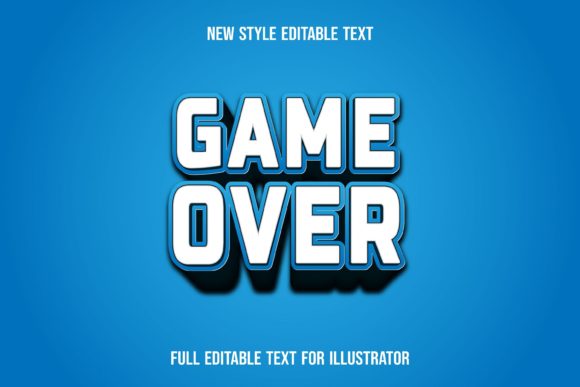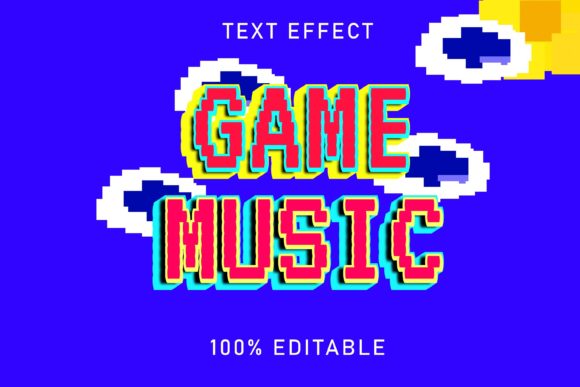
Game Music Text Effect: Dynamic Vector Typography
Imagine a text effect that doesn't just sit on the page but pulses with the energy of a retro arcade, a chiptune soundtrack, or a modern gaming interface. That's the creative power of the Game Music Text Effect, a versatile design asset that transforms ordinary typography into a vibrant, thematic statement. This fully editable vector EPS file is crafted for designers who need to inject a specific, playful, and technical aesthetic into their projects with speed and precision.
More than just a static image, this is a complete, well-organized graphic style. Delivered in a scalable vector format, it ensures your text remains crisp and clear at any size, from a small social media icon to a massive event banner. The package includes a high-resolution JPEG sample preview for a quick look, but the real value lies in the fully editable Adobe Illustrator file. Every object, color, and shape is on its own layer, giving you complete control to tweak, recolor, and adapt the effect to your exact needs.
Where This Text Effect Shines
The Game Music Text Effect is incredibly versatile, fitting seamlessly into a wide range of creative and commercial projects. Its unique aesthetic makes it a perfect choice for designs that need a touch of nostalgia, energy, or technical flair.
- Branding & Logo Design: Create a memorable logo for an indie game studio, a music producer specializing in 8-bit sounds, a tech podcast, or a gaming community.
- Poster & Packaging Design: Design eye-catching posters for concerts, retro gaming tournaments, or album covers. It also adds a fantastic edge to packaging for board games, tech gadgets, or snack brands targeting a gamer audience.
- Social Media & Web Graphics: Make your YouTube thumbnails, Twitch overlays, Instagram stories, and website banners stand out with typography that instantly communicates your niche.
- Merchandise & Editorial Layouts: Apply the effect to t-shirt designs, stickers, or editorial spreads in magazines or blogs focused on gaming and music culture.
Tips for Seamless Integration
To get the most out of this asset, consider a few practical design principles. First, always test the effect with your chosen font. While it works with any typeface, pairing it with a clean sans-serif font can create a beautiful contrast, while using it on a bold display font amplifies the impact. The RGB color mode is optimized for digital screens, ensuring vibrant results for web and social media.
Think about the mood of your project. The effect can be adjusted—perhaps by simplifying the color palette or altering the shapes—to suit everything from a sleek, modern tech brand to a more playful, cartoonish style. Its true strength is in enhancing visual consistency and brand recognition, providing a unique typographic signature that audiences will remember.
Choosing a well-designed font or text effect is an investment in your project's professional presentation. It saves countless hours of manual design work and provides a polished, cohesive look that elevates your entire visual identity. With its easy-to-use panel integration and complete editability, this Game Music Text Effect is a valuable asset for any designer's toolkit, ready to bring your creative ideas to life with rhythm and style.